
Shopping Guides · United Kingdom Guide 2026
Home Office UK: Desk Fit and Accessory Checklist
JASOTO · Updated 3 October 2026 · 400 words
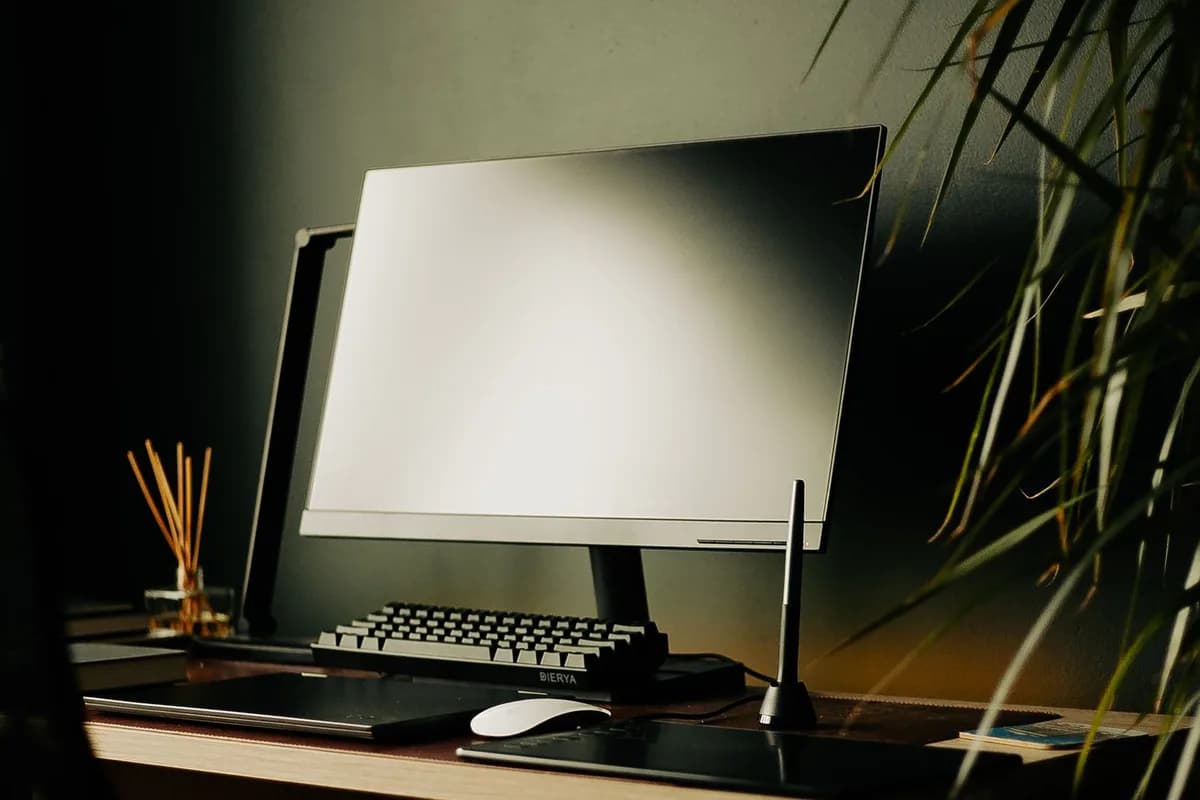
Photo: Theia Sight / Pexels. Stock photograph for illustration; no JASOTO customer, listing, tested product or endorsement is implied.
An accessory should solve a specific problem at your desk. Before buying a laptop stand, lamp or organiser, identify whether the problem is screen position, input space, glare or cable clutter. More equipment is not automatically a more comfortable or usable workstation.
The buying decision
- Identify the workstation issue before shopping.
- Measure desk depth, clamp space and device loads.
- Assess screen position and input devices together.
Assess the workstation before adding products
The HSE checklist considers the screen, keyboard, pointing device, furniture and surrounding environment together. Use it to identify the issue rather than treating one accessory as an ergonomic cure. For employed work, discuss the assessment and any necessary equipment with the person responsible for workplace arrangements.
Source: HSE: workstation checklist. Check the source for current guidance and terms.
Measure the working area and the movement space
Measure desk depth with the keyboard, mouse and monitor in their intended positions. Include room to move the pointing device and open drawers without hitting the chair. Check whether a monitor arm needs clearance behind the desk and whether its clamp fits the desktop thickness and shape.
Check stand and mount compatibility
Compare the supported device size and load with your actual laptop or screen. For a monitor mount, check the fixing pattern, desk attachment and adjustment range. A laptop raised for viewing may call for separate input devices; assess the complete arrangement instead of choosing the stand in isolation.
Choose lighting that works with the screen
Try the desk in the conditions in which you normally work. A lamp can illuminate paperwork but also reflect in a display. Check adjustability, the footprint of the base, controls you can reach and the cable route. Avoid judging brightness solely from a staged product photograph.
Plan charging, cleaning and cable changes
List the devices that need power and check the connections each requires. Leave access to plugs and avoid pinching cables under furniture. Read the charger instructions and inspect the setup after moving the desk. An organiser should let you replace a cable without dismantling the whole workstation.
Before ordering
- Identify the workstation issue before shopping.
- Measure desk depth, clamp space and device loads.
- Assess screen position and input devices together.
- Keep plugs, controls and cable routes accessible.
Frequently asked questions
Will a laptop stand solve discomfort?
It may help one part of the setup, but assess the keyboard, mouse, chair and screen together. It is not a diagnosis or a guarantee of comfort.
How do I know a monitor arm will fit?
Check the monitor’s mounting pattern and weight, the arm’s supported range and the desk clamp requirements against the exact devices you own.
Explore JASOTO tools
Compare the complete purchase
Check dimensions, needed accessories, delivery and care instructions before ordering.
Read shopping guides