
Shopping Guides · United Kingdom Guide 2026
Affordable Smartwatches UK: Phone Fit and Features
JASOTO · Updated 3 October 2026 · 385 words
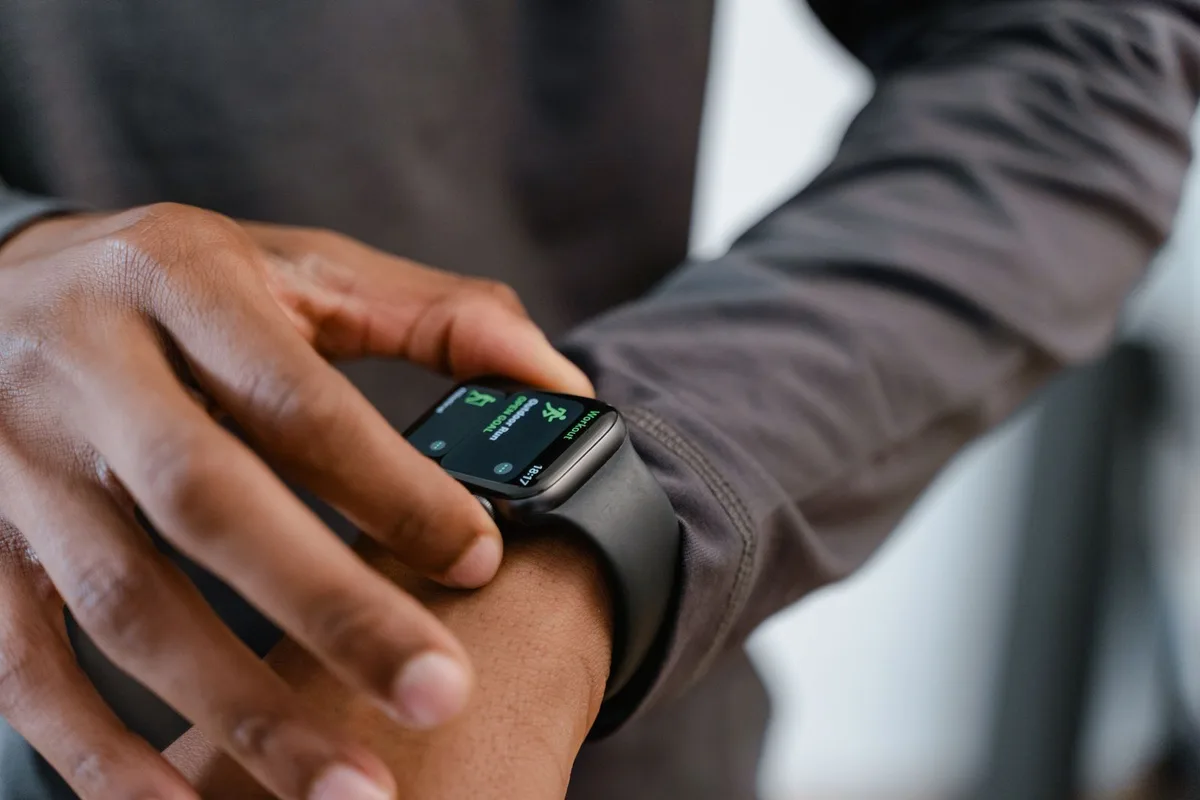
Photo: MART PRODUCTION / Pexels. Stock photograph for illustration; no JASOTO customer, listing, tested product or endorsement is implied.
Choose a smartwatch around the phone and functions you will actually use. Similar-looking watches can offer different calling, notification and app support. Identify your phone model and software version before treating a feature list as a promise that every function will work for you.
The buying decision
- Record phone model and software version.
- Verify calling and notification functions for that phone.
- Compare battery assumptions and charger availability.
Check exact phone and software compatibility
Look for the required operating system, companion app and supported phone models. Apple’s own compatibility table demonstrates that requirements vary by watch model; it is evidence for Apple devices, not a compatibility guarantee for another brand. Check the exact maker’s current information before ordering.
Source: Apple: Watch and iPhone compatibility. Check the source for current guidance and terms.
Distinguish calling features and notification access
Bluetooth calling may rely on a nearby connected phone, while independent calling has different hardware and service requirements. Read what the specific model supports. Check whether notifications can only be viewed or also replied to, and whether those functions differ between phone operating systems.
Compare battery claims with your settings
Ask which settings underpin a quoted battery duration, including screen use, calling and tracking. Check charger type and replacement availability rather than assuming every magnetic puck is interchangeable. Include the practical charging routine in your decision, especially if you plan to wear the watch while sleeping.
Read permitted water use for the model
A water-resistance label is not permission for every activity. Apple explains that resistance can diminish and gives model-specific restrictions; another maker’s watch needs its own instructions. Check the strap and charging precautions as well as the watch body, and do not infer swimming suitability from a splash photograph.
Source: Apple: Watch water resistance. Check the source for current guidance and terms.
Assess the app, data and tracking limitations
Review the companion app’s permissions, account requirements and data controls before pairing. Treat general activity figures as estimates unless a specific regulated medical function is documented for your model and location. Do not use a low-cost sensor claim to diagnose a condition or replace appropriate clinical advice.
Before ordering
- Record phone model and software version.
- Verify calling and notification functions for that phone.
- Compare battery assumptions and charger availability.
- Read app permissions and permitted water activities.
Frequently asked questions
Does Bluetooth calling work without a phone nearby?
Read the exact specification. Bluetooth calling commonly depends on a connected phone; independent service is a different capability.
Are fitness readings medical results?
Do not assume so. Check the documented purpose and approval of any claimed medical feature; ordinary activity tracking is not a diagnosis.
Explore JASOTO tools
Compare the complete purchase
Check dimensions, needed accessories, delivery and care instructions before ordering.
Read shopping guides