
Global Business · United States Guide 2026
US Salon Follow-Up: Consultations and Appointment Changes
JASOTO · Updated October 4, 2026 · 424 words
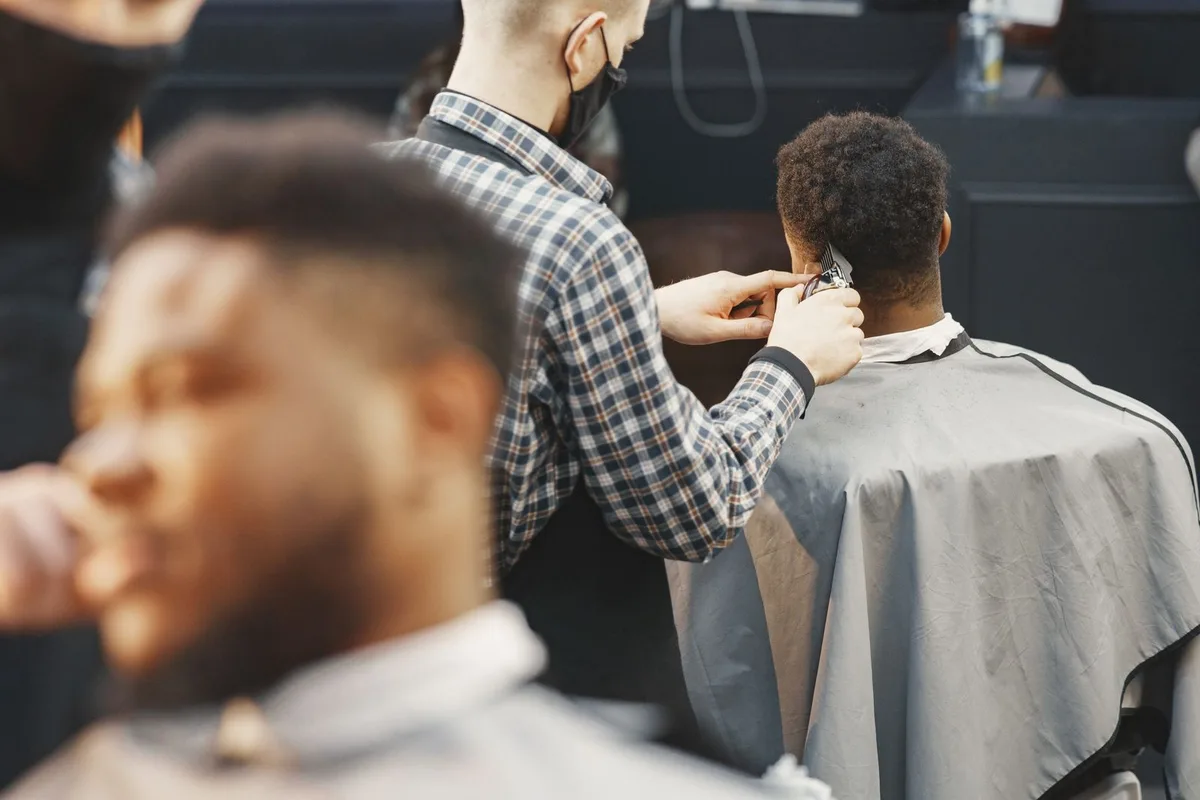
Illustrative image; it does not document a verified business, customer or project.
Salon follow-up should reflect the actual service, stylist and appointment duration. A consultation request is different from a confirmed treatment slot, and a past visit does not establish the next suitable service. Keep booking changes and customer questions clear before sending another reminder or rebooking invitation that may no longer match the agreed arrangement.
The follow-up process
- Match service, stylist and duration.
- Separate consultations from full appointments.
- Confirm changes through the actual process.
Identify the service and stylist accurately
Attach requests to the current salon, practitioner and service choice. Give staff a way to resolve an unclear booking before attendance. Do not let a generic beauty message confirm a color appointment when only a consultation has been requested. Explain who responds when the preferred stylist is unavailable or the selected duration needs further discussion.
Confirm consultation and appointment stages
Keep requested times, agreed consultations and full appointments distinct. Check that reminders use the latest service and duration after staff review. An automatic receipt should not imply suitability or a treatment result. Provide a practical contact route when the customer needs to change the arrangement rather than leaving them to reply to an unmonitored notification.
Communicate scope and schedule changes
Explain how the salon confirms a different service, price or time through its actual process. Record the customer’s decision instead of treating a read reminder as approval. Keep practitioner-specific suitability or aftercare questions with the appropriate team. Do not use a marketing message to diagnose a condition or reproduce an unsupported promise from a portfolio photograph.
Offer rebooking without assuming the service
Invite customers to discuss another visit based on the actual service and their stated preferences. Keep rebooking interest separate from an accepted future appointment. Avoid assuming every color client wants the same timing or package, and stop repeated reminders for a declined booking. A suggested return period should not become a universal suitability claim.
Ask for feedback about the completed visit
Invite honest feedback after the defined appointment without rewarding a favorable review. Google prohibits incentives for reviews. Keep consultation notes and customer records out of public replies. Track completed visits and accepted rebookings independently of reminder totals; more messages or reviews do not prove that additional suitable salon appointments were attended.
Source: Google: collecting and responding to reviews. Check the source for current guidance and terms.
Checks before sending
- Match service, stylist and duration.
- Separate consultations from full appointments.
- Confirm changes through the actual process.
- Treat rebooking interest as a request.
Frequently asked questions
Does accepting a reminder approve a service change?
Record the actual agreed service and any changed price or duration rather than inferring approval from message activity.
Should every previous client receive the same rebooking interval?
Match the invitation to the actual service and discussion, without claiming universal suitability.
Explore JASOTO tools
Check the next action and its owner
Compare messages with the service stage and arrangements your team can actually support.
Explore JASOTO USA