
Global Business · United States Guide 2026
US Restaurant Websites: Menus, Reservations and Orders
JASOTO · Updated October 4, 2026 · 388 words
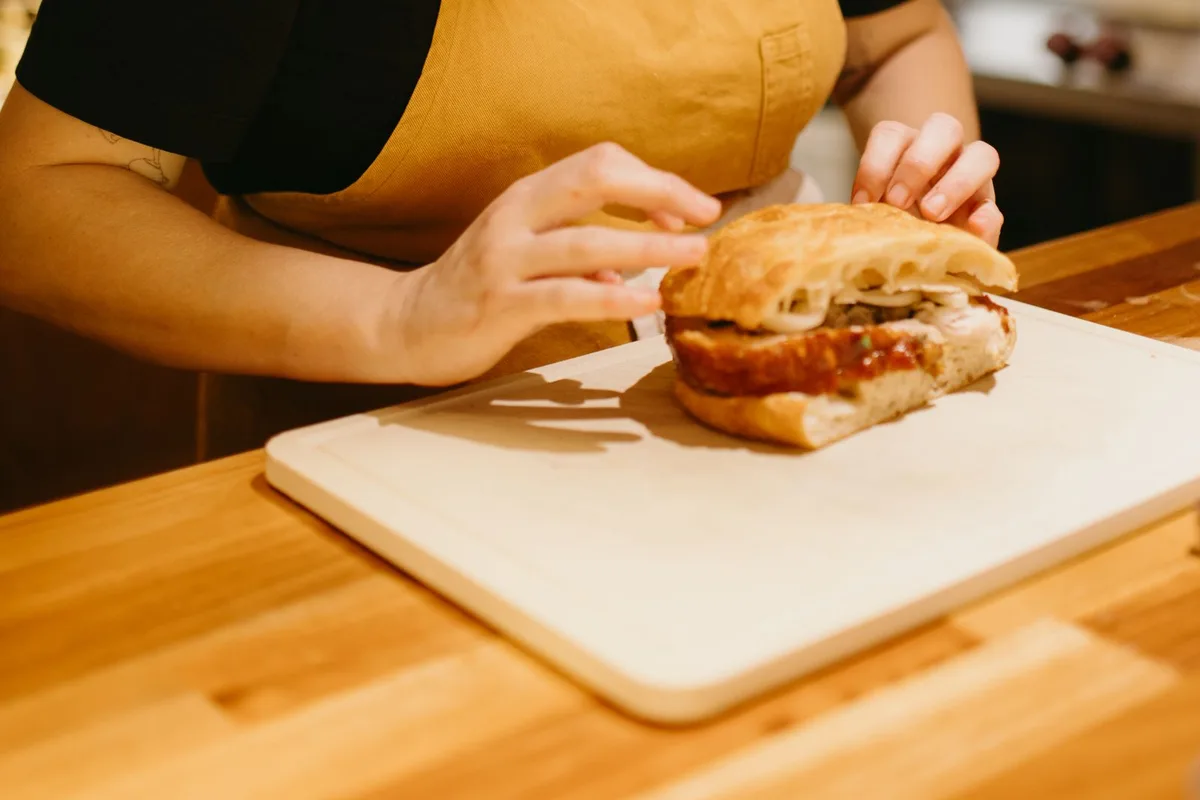
Illustrative image; it does not document a verified business, customer or project.
A restaurant page should help guests inspect the menu, choose a location and reserve or order. A prominent button helps only when it reaches the correct service and explains confirmation. Test these journeys on a phone before treating increased menu views as evidence of more served guests or accepted food orders.
The website journey
- Read the menu on a phone.
- Separate reservation and order actions.
- Verify the location and destination.
Make the current menu readable
Offer a menu readable without zooming into a blurred photograph. Identify dine-in, takeout and event options when they differ, with a practical contact route for ingredient questions. Keep prices and menu versions aligned with service rather than letting an old download imply discontinued dishes remain available to order or eat.
Separate reservations from ordering
Use distinct buttons describing the destination and identify the restaurant location before choosing a time or order. Explain whether a table inquiry awaits staff response. A catering request should not share a confirmation suggesting an ordinary table has been reserved, and a menu view should not trigger an order acknowledgement.
Verify third-party destinations
Open reservation and ordering links and verify the location and current service. Google documents business action links where supported. Review the website and profile together after changing providers. An old destination may still load successfully while presenting the wrong restaurant, discontinued ordering service or a booking process guests cannot use.
Source: Google: managing business action links. Check the source for current guidance and terms.
Explain confirmations and arrival
Show where guests find the accepted reservation or order reference, explaining any next step the actual provider requires. Keep dining hours distinct from pickup windows. Provide verified entrance information with a contact route for specific needs. Do not let a pending request appear as a confirmed table or ready-to-collect order.
Keep cancellations visible in measurement
Separate menu visits, reservation attempts, confirmed tables and accepted orders. Where providers supply them, review cancellations and unfulfilled orders rather than counting every attempt as a served customer. Check destinations and service-hour mismatches before blaming search traffic. Compare results with table and kitchen capacity, including closures or changes to service.
Checks before publishing
- Read the menu on a phone.
- Separate reservation and order actions.
- Verify the location and destination.
- Distinguish pending and confirmed actions.
Frequently asked questions
Is a booking button enough to verify the journey?
Follow it to the correct location and check availability, required steps and confirmation wording.
Should every request receipt confirm a table?
Only when the reservation process confirms it. Otherwise explain the pending response and next step.
Explore JASOTO tools
Check the complete contact journey
Compare service choices, delivery and confirmation with the process your team supports.
Explore JASOTO USA